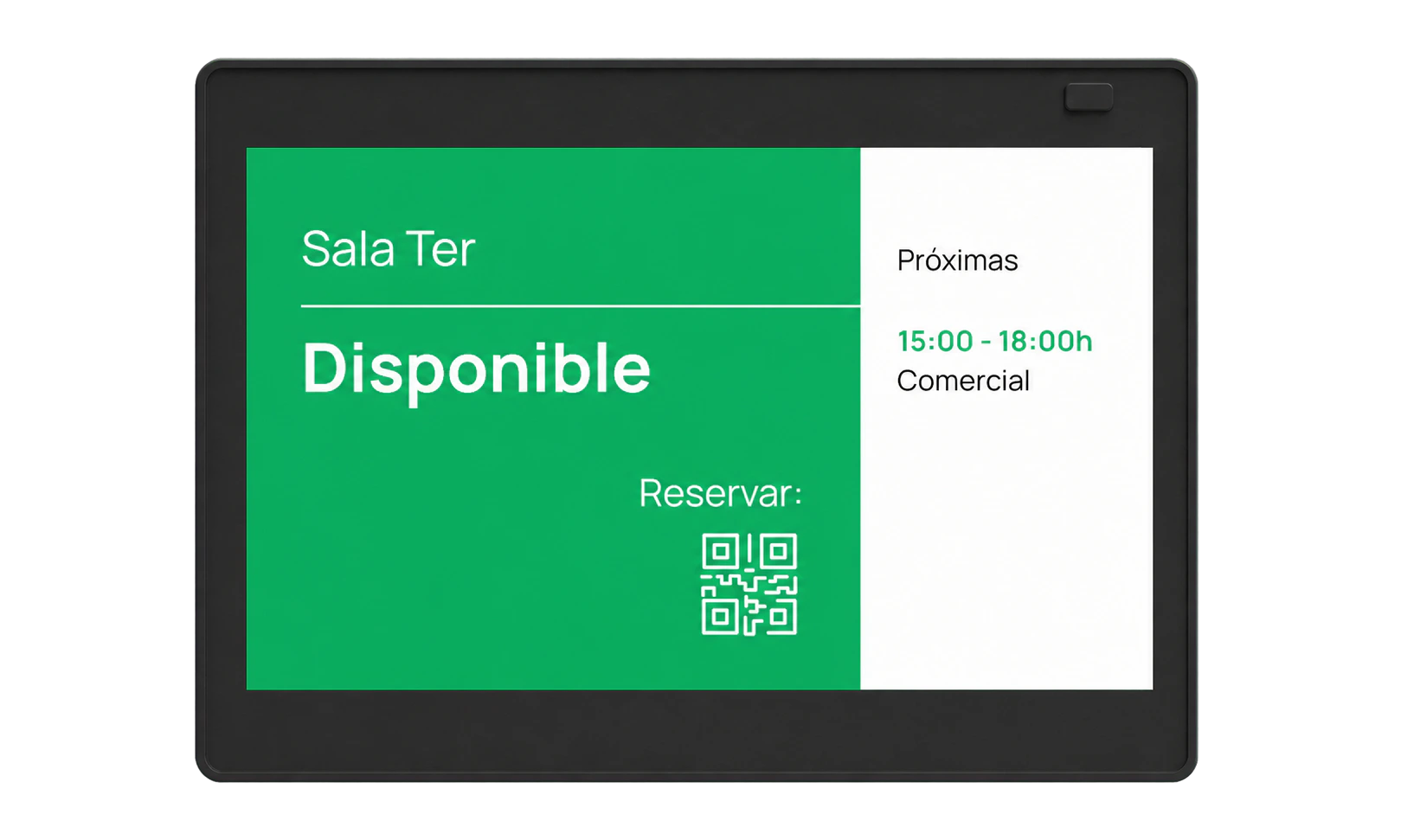
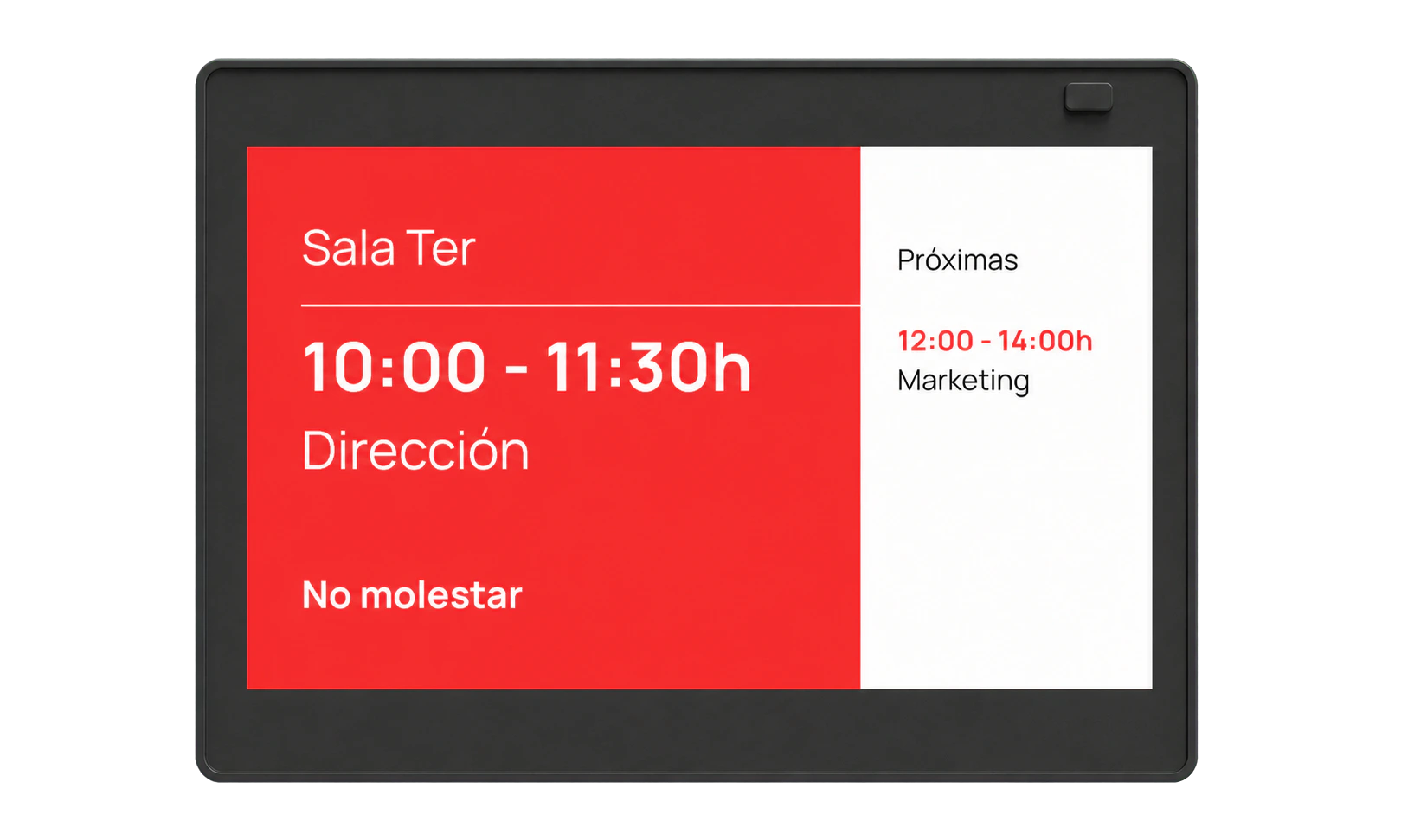
From calendar to door.

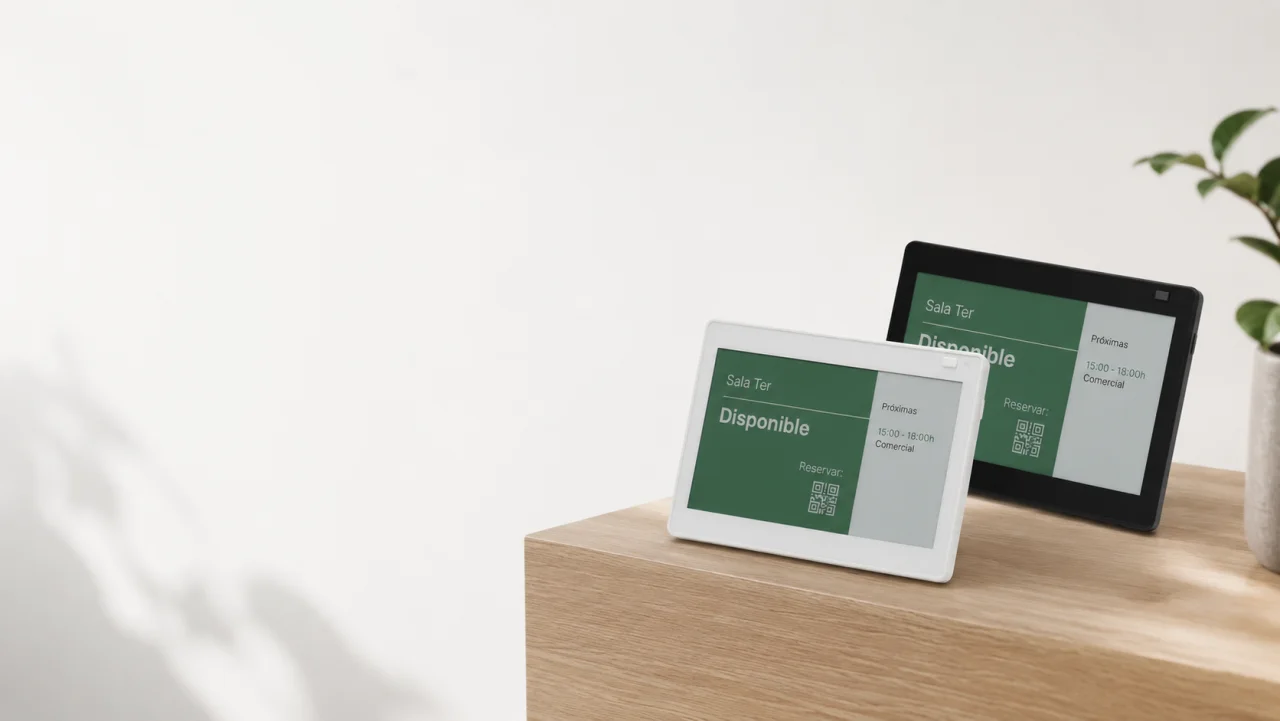
E-ink displays connected to Outlook and Google Calendar. No change to how your team books.

Cable-freeUp to 1 year of battery lifeFrom €25

  • No cables or building work
  • Installs in 2 minutes
  • Up to 1 year of battery
  • Syncs with Outlook / Google
  • Status LED
  • No cables
  • Installation · 2 min
  • Battery · up to 1 year
  • Outlook + Google
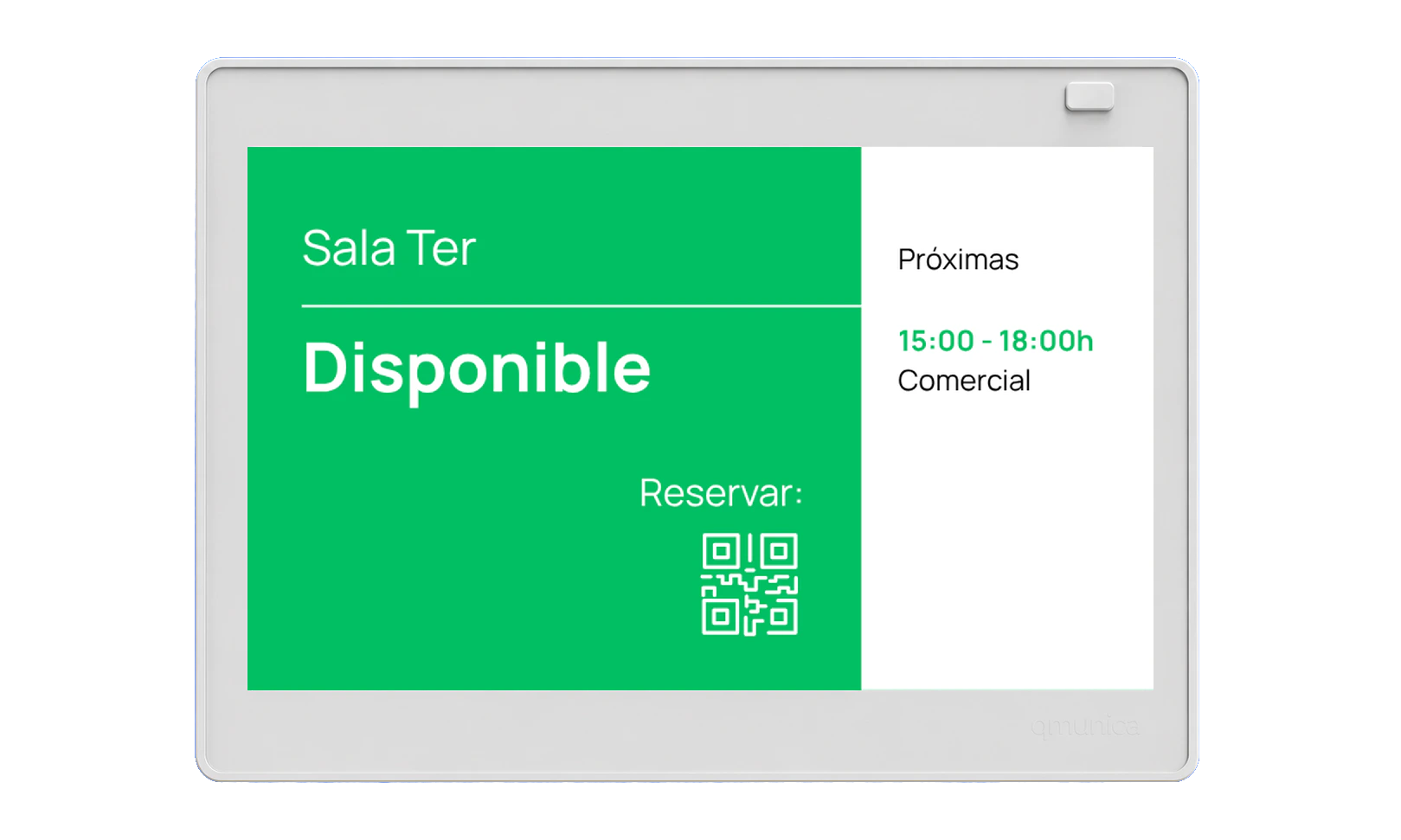
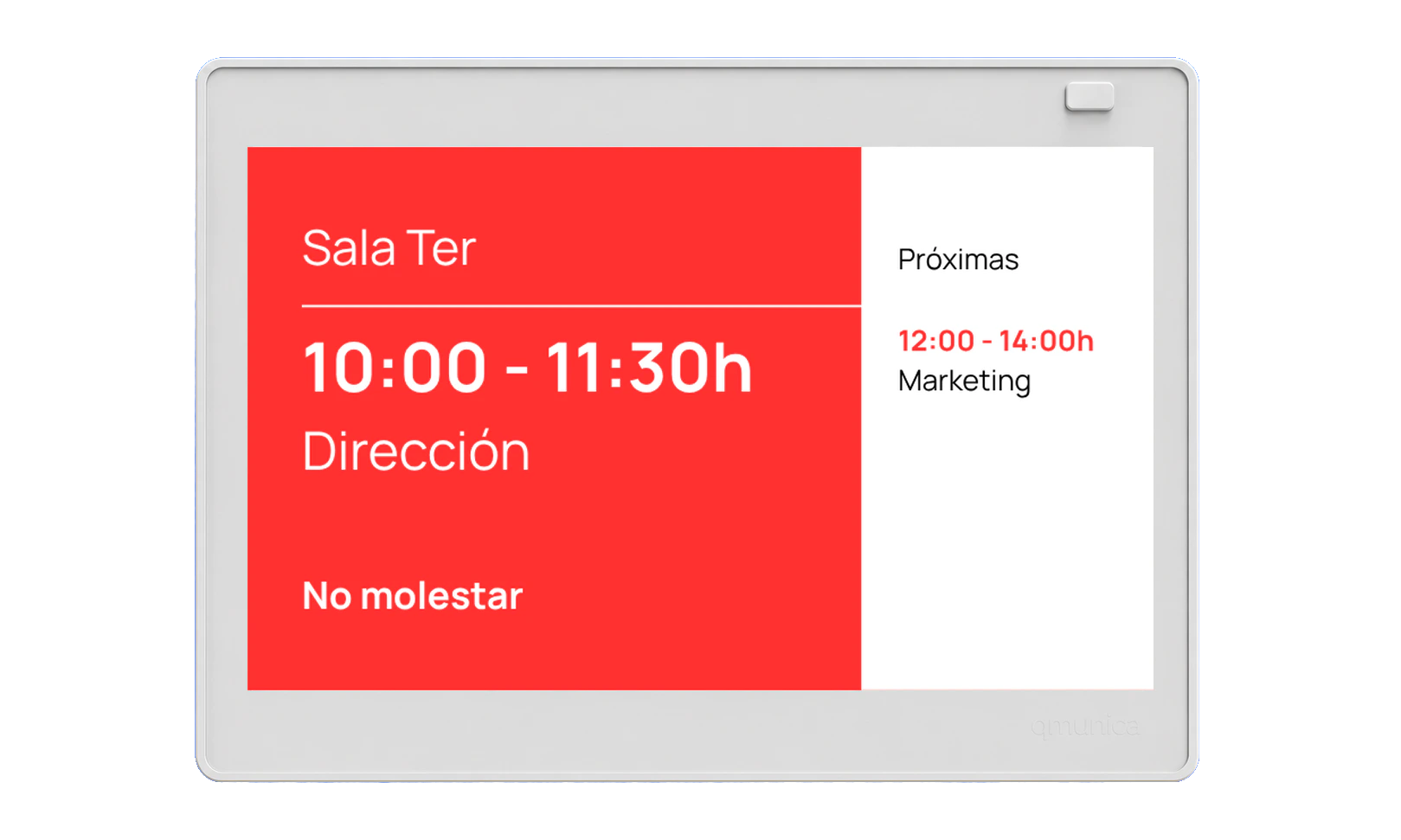
Book as usual. qSpaces syncs. The display updates. Occupied.

Without noticing, these micro-interruptions have become normal.

  1. “Sorry, I had this room booked.”
  2. “Will you be much longer? Until what time?”
  3. You arrive and the room is still occupied. “We’ll only be five minutes.”

How it works

Your booking reaches the door.

Book in Outlook or Google Calendar. qSpaces updates the display.

Book in Outlook. qSpaces syncs and the door updates.

The display

One display. Zero cables.

Battery, WiFi and clean installation on doors, walls or glass.

No cablesClean installation on doors, walls or glass.

qSpaces software

Complexity stays inside.

The software manages rooms and displays, applies your rules and keeps information up to date.

Exploded view of a qSpaces display showing the enclosure, e-ink panel and internal electronics.
Centralised management

Rooms and displays, managed from one place.

Authorised connection

Connects only with your organisation’s approval.

Configurable privacy

Choose which booking details appear at the door.

Templates and rules

Tailor content to each space.

See security and documentation

Integrations

Book as usual. The display stays up to date.

Connect Microsoft 365 or Google Workspace once.

01

Book

In Outlook or Google Calendar.

Microsoft

  • Microsoft 365
  • Outlook
  • Exchange
  • Teams

Google

  • Google Workspace
  • Google Calendar
02

Sync

Automatically.

03

At the door

Room status and next booking.

01Book

Microsoft

  • Microsoft 365
  • Outlook
  • Exchange
  • Teams

Google

  • Google Workspace
  • Google Calendar
02Sync
Automatically with qSpaces.
03At the door
Custom integrationsOn requestSubject to technical assessment and a separate quote.

Two ways to get started.

Try qSpaces on your Android or install it with everything included.

On your Android

  • 1 device
  • 1 calendar
  • 1 room

With a qSpaces device

qSpaces Standard and Premium devices included during the subscription
Everything included
  • Device during the subscription
  • qSpaces software
  • Guided setup and remote support
qSpaces Standard and Premium devices included during the subscription

With a qSpaces device

Everything included

  • Device during the subscription
  • qSpaces software
  • Guided setup and remote support

Want to try it first?

Free0 €/ month

On your Android

  • 1 device
  • 1 calendar
  • 1 room
Try it free
Compare all the details

Let's talk.

Tell us what you want to connect and which calendar you use. We’ll help you choose the next step.

hola@qspaces.es
Add optional details

Let's talk

Choose a time that works.

Tell us when works for you. We will confirm that time or suggest another.

  1. 1Date and time
  2. 2Your details

When works for you?